shadeV
A downloadable tool for Windows
Cook your own shaders and update values and changes in real time.
What is shadeV?
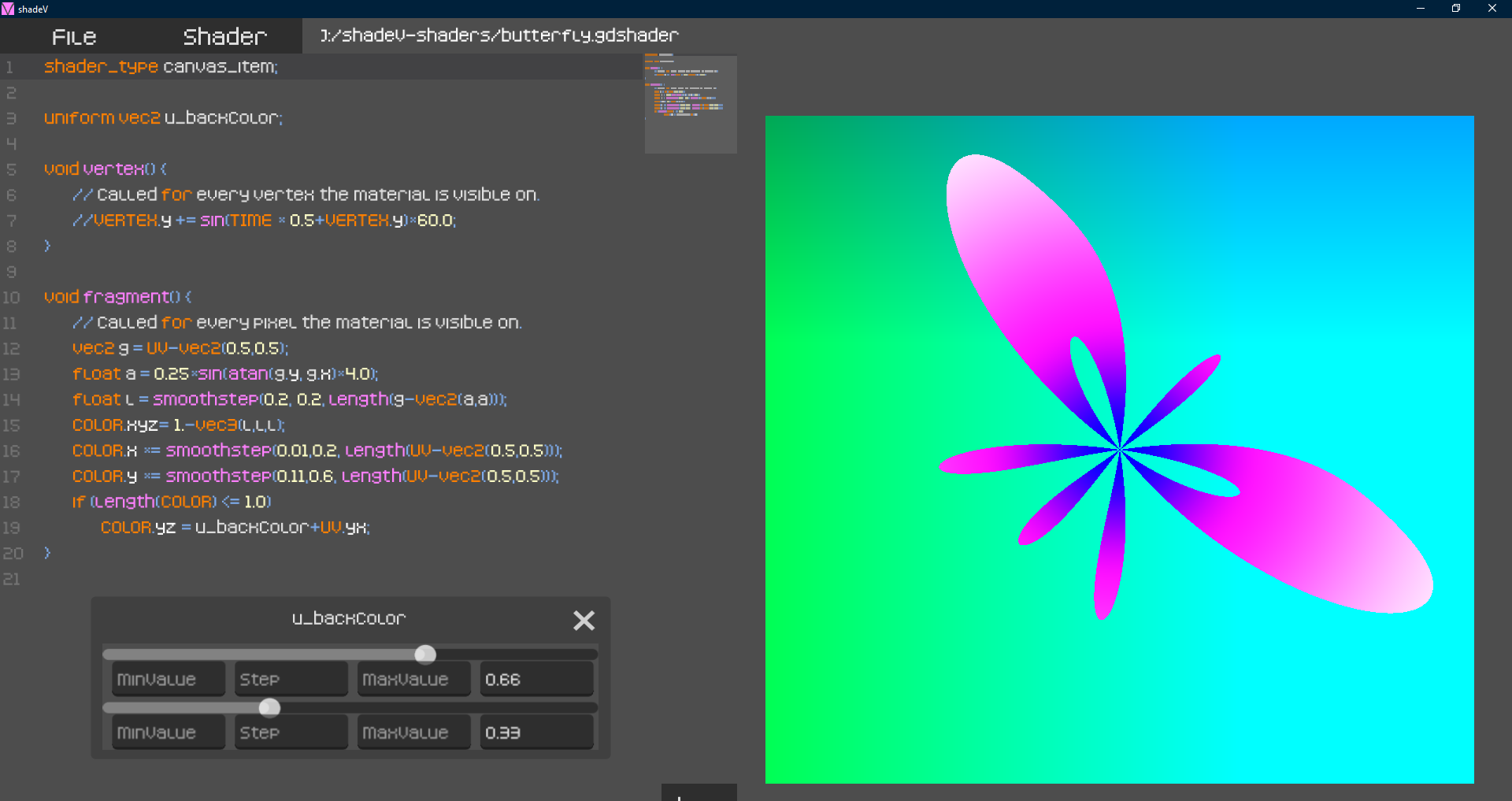
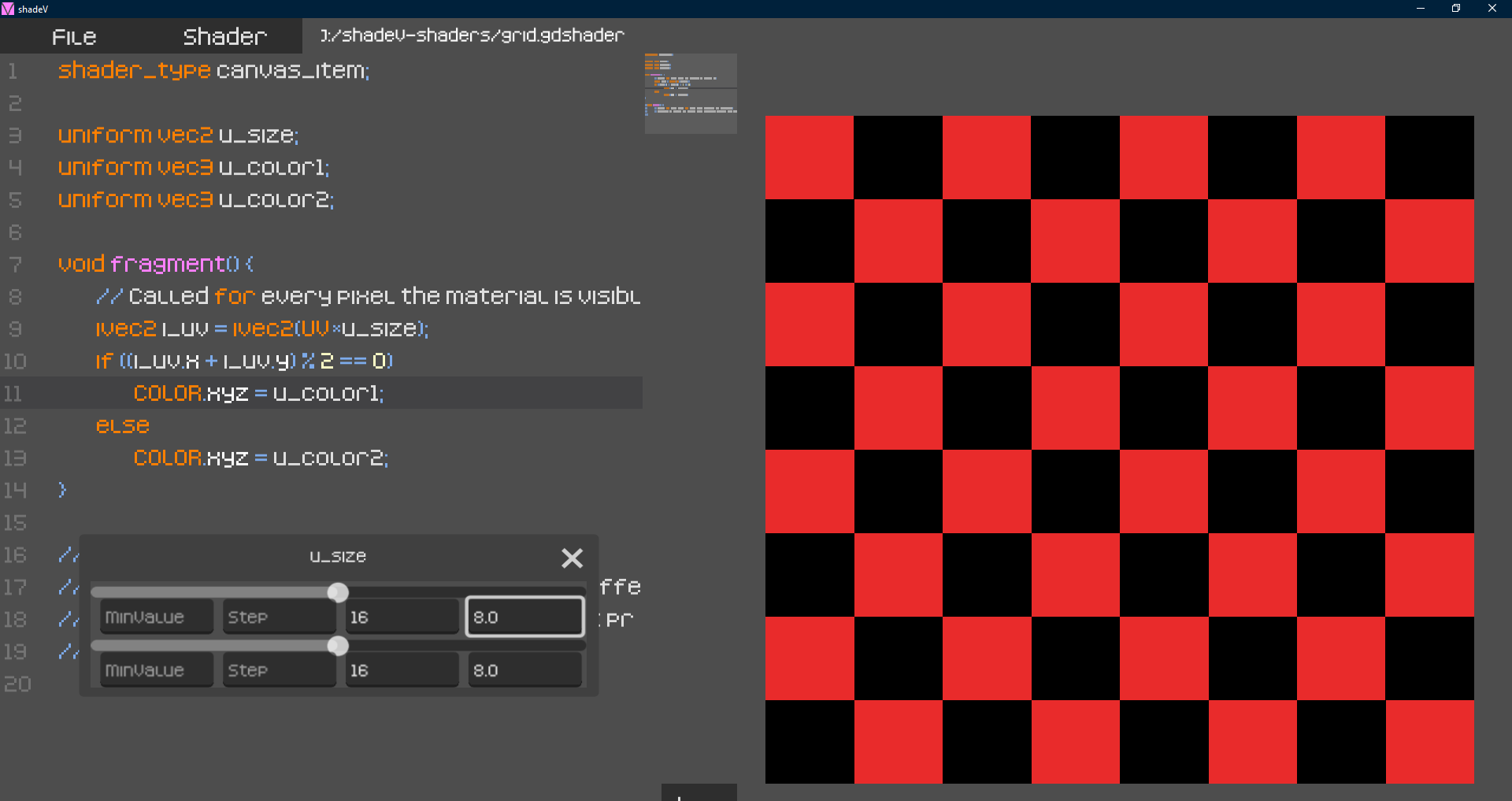
shadeV is a Windows application (.exe) made with godot. As a shader enthusiast and a ShaderToy enjoyer, one day I had the idea to make a local application dedicated to loading, saving and updating fragment shaders. That first prototype was made using C++ and the Vulkan API. Then, I decided to migrate this project to godot and started to like it. As a result, I have created the application with the following features:
- File:
- Load any .gdshader file. You will see its code on the left side of the screen and the result on the right side.
- Save the current .gdshader file. This option is used to Save File As..., so you will save the .gdshader (the code), not the result. (You can use the ctrl+S shortcut)
- You can Create a new empty shader, wiping everything on the left side.
- You can also use Load shader template. This option will not only wipe the code, but you will have the default .gdshader code to start cooking your own.
- Shader:
- Take a Screenshot of the current result of your shader (the right side) and choose where to save it.
- Reset transformations made on the canvas. These transformations are explained in the Canvas Transformations section.
- You can define Uniforms in your shader and change their value from the Unifroms. The result on the Canvas will update automatically when you change any uniforms.
- Canvas Transformations:
- Use ctrl+left click to move the canvas. The code section is transparent, so you can see your result at any time.
- Use ctrl+mouse wheel to zoom-in/scale-up or zoom-out/scale-down the canvas.
- About the .gdshader code:
- The code you edit is .gdshader code, so you can do the same things that you would in the shader editor section of godot. This app uses a custom syntax highlighting to color the code. If you have any suggestions about it, do not hesitate to let me know .
- Use the + and - options (bottom right corner in the code section) to change the font_size.
- Errors: whenever your .gdshader code has an error, it will be displayed on top of the canvas and the canvas will show the default result (blank). Sometimes the line with the error shown in the message may be wrong.
Use cases:
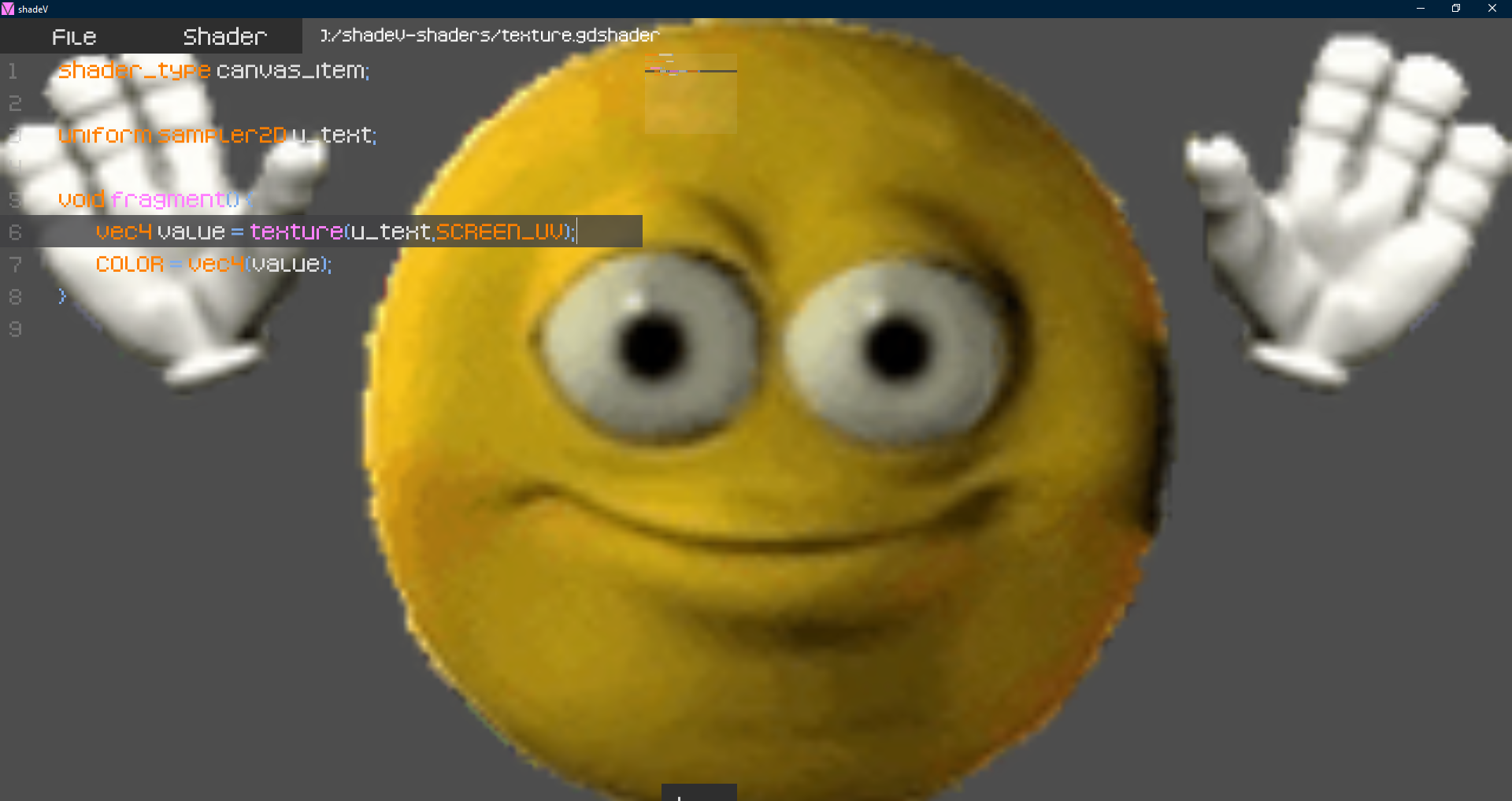
You can use this app to generate grids, textures or use algorithms like raymarching to simulate 3D objects. You can also add textures. But the most important thing is to play and enjoy!
Acknowledgements
I would like to thank Iñigo Quilez (co-creator of ShaderToy and a great inspiration for me). Without his porject and articles I would never have fallen in love with shaders and its power. I also want to thank kenney.nl for the free KenneyFonts (the font used in this project is Kenney Pixel). Last but not least, I want to thank godot and the godot community.
How do you pronounce shadeV?
You can pronounce shadeV like "sha"+"dev" or like "shade"+leter V. If you don't like this pronunciation, don't worry, call it whatever you want.
Made by izzqy
I also make music:
YouTube: https://www.youtube.com/@izzqy
Soundcloud: https://soundcloud.com/izzqy
Download
Click download now to get access to the following files:
Leave a comment
Log in with itch.io to leave a comment.